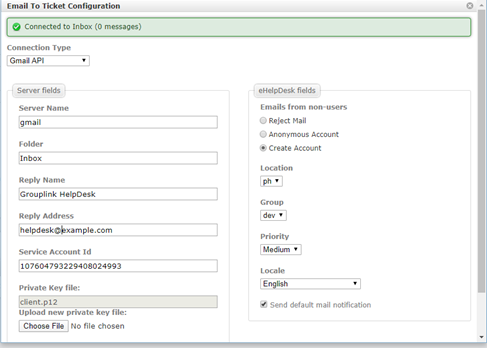
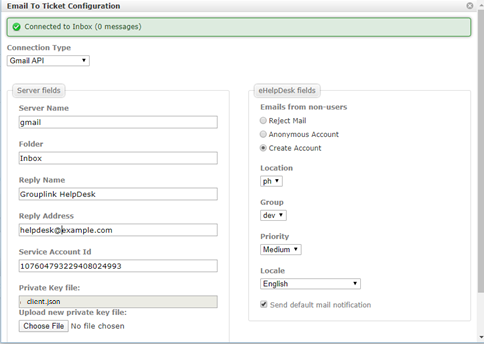
...
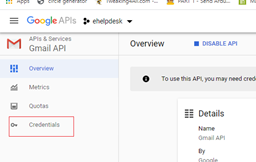
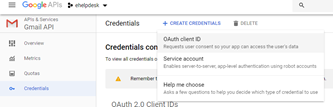
- Click Credentials
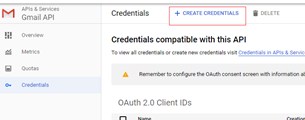
- Click Create Credentials button
- Select Service Account
- Enter Service Account Name
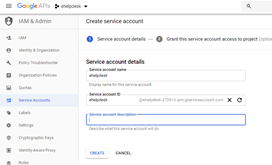
- Select Continue button
- Select Done button
- Select the Service Account.
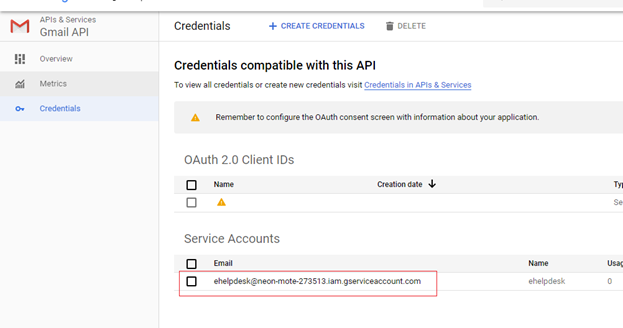
- Click Show Domain-Wide Delegation
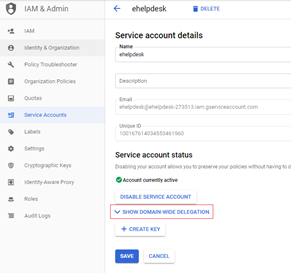
- Click Enable G Suite Domain-wide Delegation
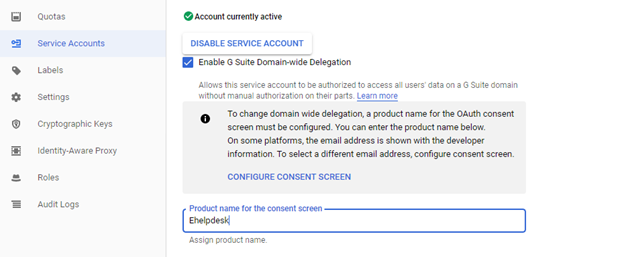
- Click Save button
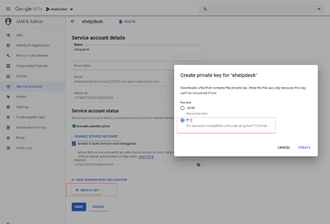
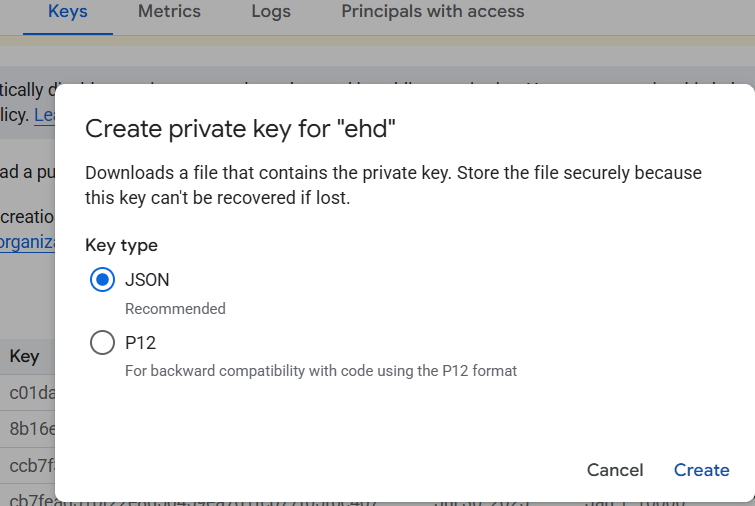
- Click Create Key button and select P12
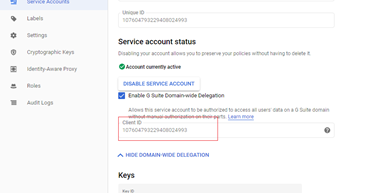
- Copy the Client ID
- Click Close
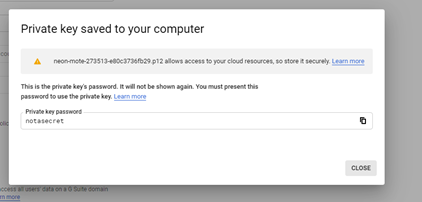
- Save the .p12 file for later use.
- Login to https://admin.google.com/ using your gsuite admin account
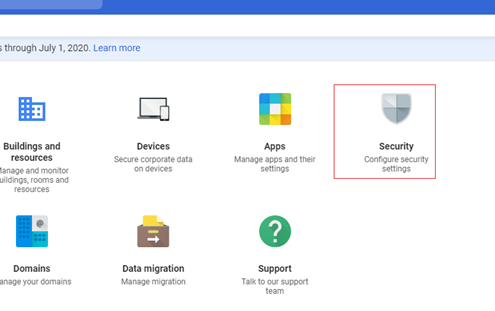
- Select Security
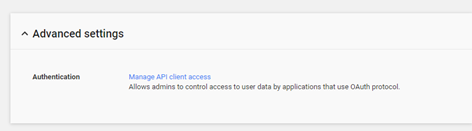
- Select Advance Settings -> Manage API client access
- Enter Client ID to Client Name and below for the values
...
- Click New Inbox button and fill out the Email to ticket config
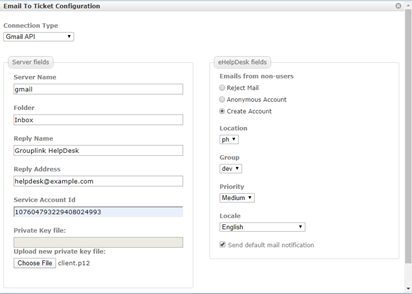
- Click Save Changes button
- Edit the Email To Ticket Configuration
- Click Test button